OpenArt
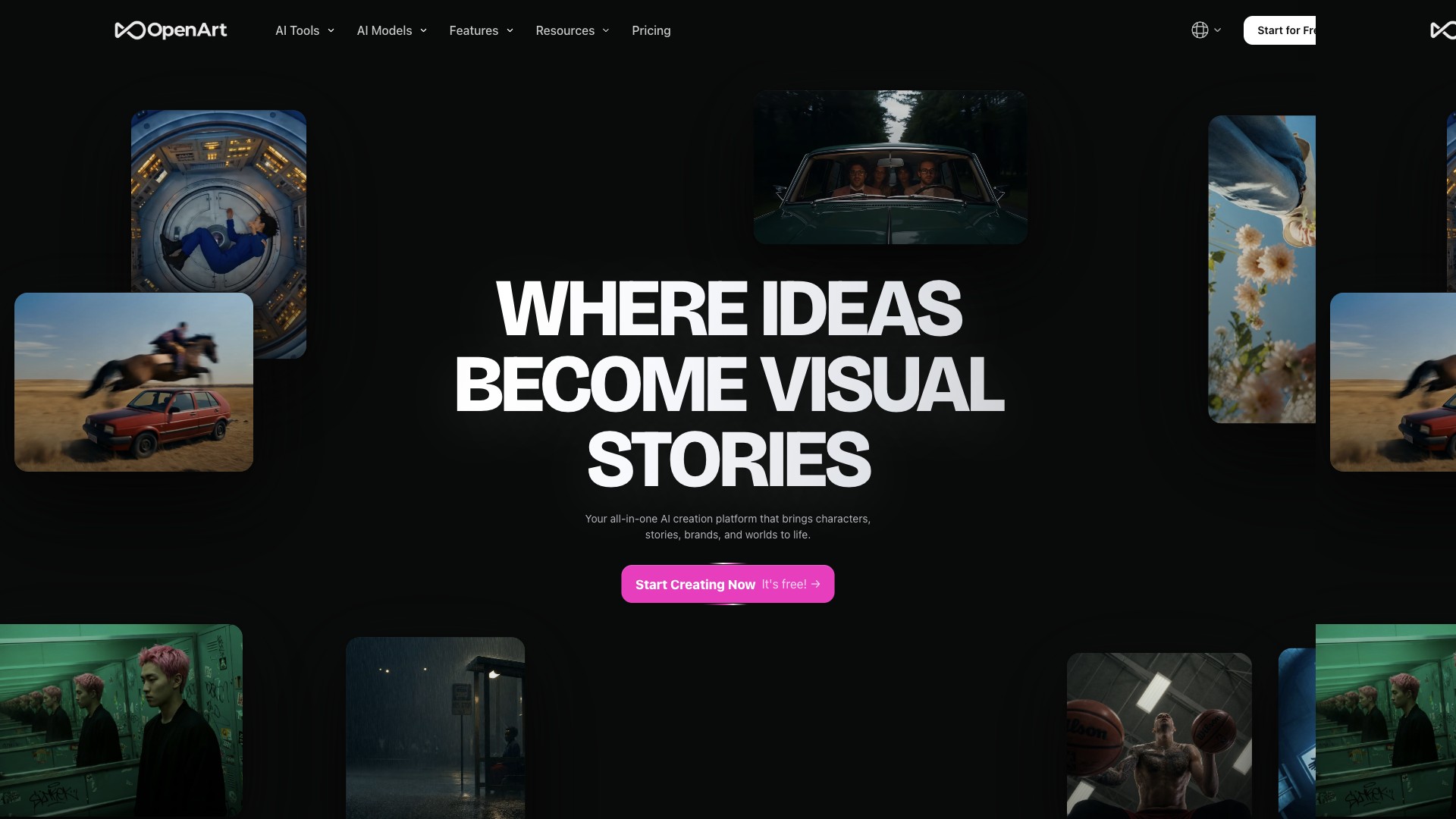
Active ai art generatorOpenArt is a browser-based AI studio for images, video, and audio with many models, editing tools, character workflows, and tiered credits — aimed at creators who want generation and refinement in one place before exporting artwork to POD or campaigns.
OpenArt Website
At a glance
Regions
Cloud software; availability depends on their hosting and your local regulations.
Best for
Typical user profiles that get the most from this product category.
Outputs
What you can produce or export from the tool.
OpenArt
OpenArt is an AI creator studio: you generate and refine visuals with text and image guidance, explore community models, use inpainting and upscaling-style tools, and (on paid plans) access higher parallel generation limits, training features, and commercial-use wording on subscription tiers that advertise it. Outputs are digital — you download assets and supply them to your POD partner, storefront, or campaign stack.
What you can create
Generation & models
Editing, video & characters
Discovery & community
Exact model lists, credit costs per action, and feature gates change frequently — use the live pricing comparison at https://openart.ai/pricing and the Help Centre for current limits. Team & Enterprise is offered separately from individual seats.
Platforms & integrations
Workflow integration is typically export and upload: download PNG or other offered formats and place files in Shopify, Etsy, Printful, or your design tool. The Discord community is central for tips and promotions; there is no native deep link to POD dashboards in the public marketing copy.
Downloads & access
Availability
Digital: generations complete in the cloud after each job; time depends on queue, model, and your plan’s parallel limits.
Fulfilment type
Not applicable — deliverables are digital downloads and in-account assets.
There are no physical fulfilment options from OpenArt itself. For merchandise, you send artwork to your POD supplier or print shop.
Files & print readiness
Print sharpness depends on final pixel dimensions and your POD supplier’s DPI rules — upscale or regenerate for large formats rather than stretching small thumbnails.
Screen previews use RGB; physical prints use CMYK inks and substrates. Expect shifts — request a proof from your printer for colour-critical merchandise.
Files remain available according to your account and subscription terms; subscription credits do not roll month to month per OpenArt’s FAQ — confirm retention and download policies before pausing a plan.
Plans & value
Model
Freemium trial credits on signup; paid individual tiers (Essential, Advanced, Infinite, Wonder) billed monthly or annually with advertised 50% annual discount on public pricing rows; Team & Enterprise quoted separately. Optional add-on credit packs on eligible plans.
Public list prices (USD)
- Trial / free exploration: new accounts receive 40 trial credits to try premium features within a 7-day window — see
https://openart.ai/general_faq. - Essential: list $14/seat/month or about $7/seat/month on annual billing — 4,000 credits/month, 8 parallel generations (per pricing page).
- Advanced: $29 or about $14.50 annual — 12,000 credits/month, 16 parallel; Commercial use rights advertised on this tier.
- Infinite: $56 or about $28 annual — 24,000 credits/month, 32 parallel; priority support listed.
- Wonder: $240 or about $120 annual — 106,000 credits/month, Unlimited Creation call-out and extra perks on the pricing page.
- Extra Credit add-on: example $15/month for 5,000 credits — unlock conditions apply; read the pricing footnotes.
Annual billing is advertised at roughly half the monthly headline price on the public pricing table. Promotions and model-specific offers may change.
Editor & brand tools
- Commercial use on tiers that list it
- Consistent character workflows for serial content
- Style and prompt resources (Prompt book, palettes)
Read Terms of Service and the in-product licence panels for generated content. The general FAQ states you may use images you created commercially and discusses platform images from Stable Diffusion — policies may update; verify before large campaigns.
Summary
OpenArt combines text- and image-guided generation with inpainting, upscaling-style tools, image-to-video, consistent characters, and optional model training on paid plans. You subscribe for monthly credits and parallel generation limits, then download files for your own storefront, ads, or print partner — OpenArt does not fulfil physical products.
Pros & cons
Pros
- Broad toolset — image, video, character, and editing features in one subscription ecosystem.
- Large model catalogue on paid tiers with parallel generation limits that scale with plans.
- Strong learning surface — prompt book, wiki, Discord, and discover content.
- Affiliate and creator programmes for publishers who want to monetise recommendations.
- Commercial use called out on mid and upper individual tiers on the public pricing table.
Cons
- Credit economics — subscription credits do not roll over; heavy users must budget tiers or add-ons.
- No native POD pipeline — you still manage listings and fulfilment elsewhere.
- Limited public API for embedding in custom apps — mostly a web workspace.
- Policy and model churn — generative AI rules and model availability change; read current terms.
- Affiliate commission not shown on the public landing page — terms live behind application.
Our scores
Scores compare AI art / creator SaaS in this directory. Print quality means suitability of exports for typical merchandise after upscaling; shipping is instant digital delivery.
Earn by recommending OpenArt
Payouts are typically handled via In-house (Typeform application). Typical commission language on the vendor site: Not disclosed on the public programme page; third-party networks have cited single-digit to low-teens CPS — confirm in the OpenArt Affiliate Terms after approval.
Affiliate signupTypical workflow with OpenArt
Try the editor
Open OpenArt, enter your business name and preferences, and generate a first round of concepts (often without paying).
Refine & preview
Adjust colours, typography, and layout; check mockups so the mark reads well at small sizes — important for POD neck labels and thumbnails.
Export & deploy
Purchase the tier that includes the file types you need (vector for print, PNG for social), then upload assets to your store or POD mockups.
Frequently Asked Questions
Can I use OpenArt images on print-on-demand products?
How does the free trial work?
https://openart.ai/general_faq.Do subscription credits roll over?
Which paid tier includes commercial use?
openart.ai/pricing before subscribing.What is the difference between Essential, Advanced, Infinite, and Wonder?
Can I train my own models for free?
Does OpenArt integrate with Shopify or Printful?
How do I join the affiliate programme?
https://openart.ai/programs/affiliate, read the Affiliate Terms, and submit the application form. Approved partners receive a unique link.What file types should I send to my POD supplier?
Is there an API for bulk generation?
How does OpenArt compare to Midjourney or DALL·E for merch design?
Where can I get help with prompts and quality issues?
Pricing figures and tier names come from https://openart.ai/pricing (individual seats, monthly vs annual rows). Trial credit copy comes from https://openart.ai/general_faq. Company year and location follow commonly cited profiles (founded 2022, Redwood City) — confirm on OpenArt’s About or press pages if you need legal precision. Affiliate commission percentages are not on the public affiliate landing page; third-party network listings may be outdated. Always re-check terms before purchase or promotion.
Next: choose a POD partner
Take your brand assets to production — compare suppliers and fulfilment networks.